How to Check if a Number Is on WhatsApp (2026)
How to check if a number is on WhatsApp: the free wa.me link method, the contact-save method, and how to validate a whole opt-in list with the API.
 Nicolas ProvostJul 15, 2026 · 5 min read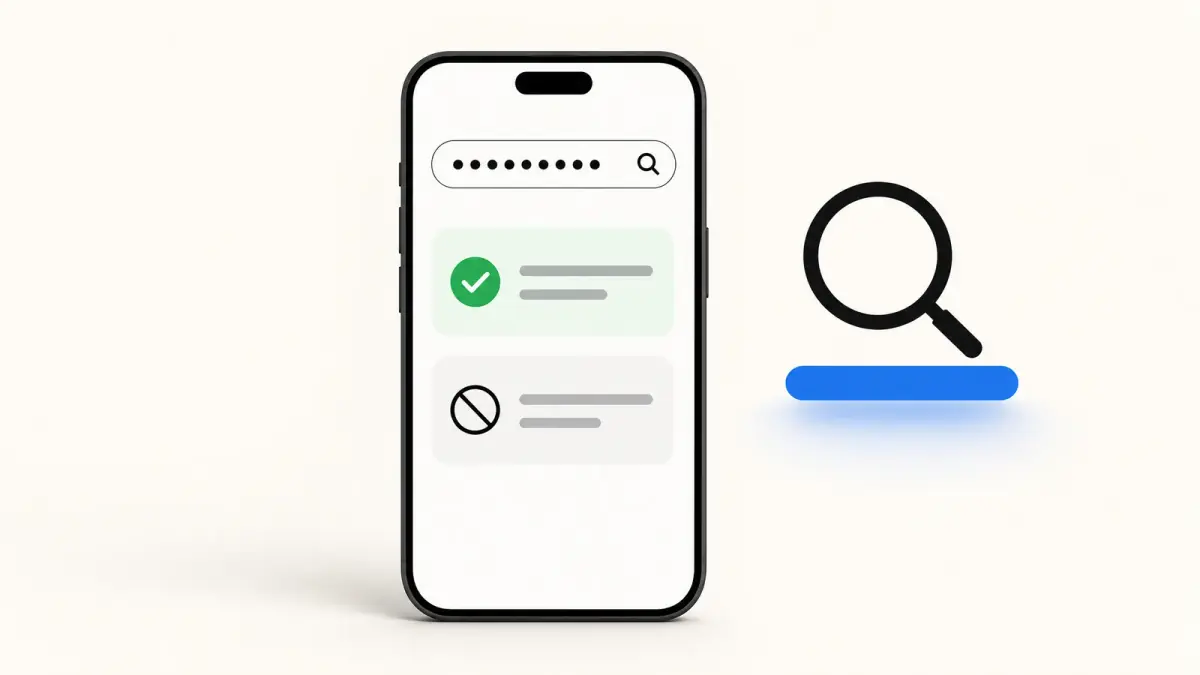
Summarize this article with an AI
 ChatGPT
 Claude
Table of contents (6)
Key takeaways
- Open https://wa.me/ followed by the number in full international format, with no plus sign or spaces, and a chat opens if it is on WhatsApp.
- The message "Phone number shared via url is invalid" means the number is not registered or is formatted wrong, so recheck the country code.
- Checking never notifies the person, but bulk checker tools break WhatsApp's terms of service and can get your own number banned.
To check if a number is on WhatsApp, the fastest free method is the wa.me link: open https://wa.me/ followed by the number in full international format, and if a chat window opens, the number is registered on WhatsApp. If instead you see an "invalid number" message, it is not on WhatsApp or the format is wrong.
That covers a single number in a few seconds. But a search for a "WhatsApp checker" or a "WhatsApp number finder" can mean one of three different things: verify one contact, avoid saving a number to check it, or validate a whole customer list before a campaign. This guide covers all three, and it is honest about which methods are compliant and which ones get numbers banned.
The fastest WhatsApp checker: the wa.me link
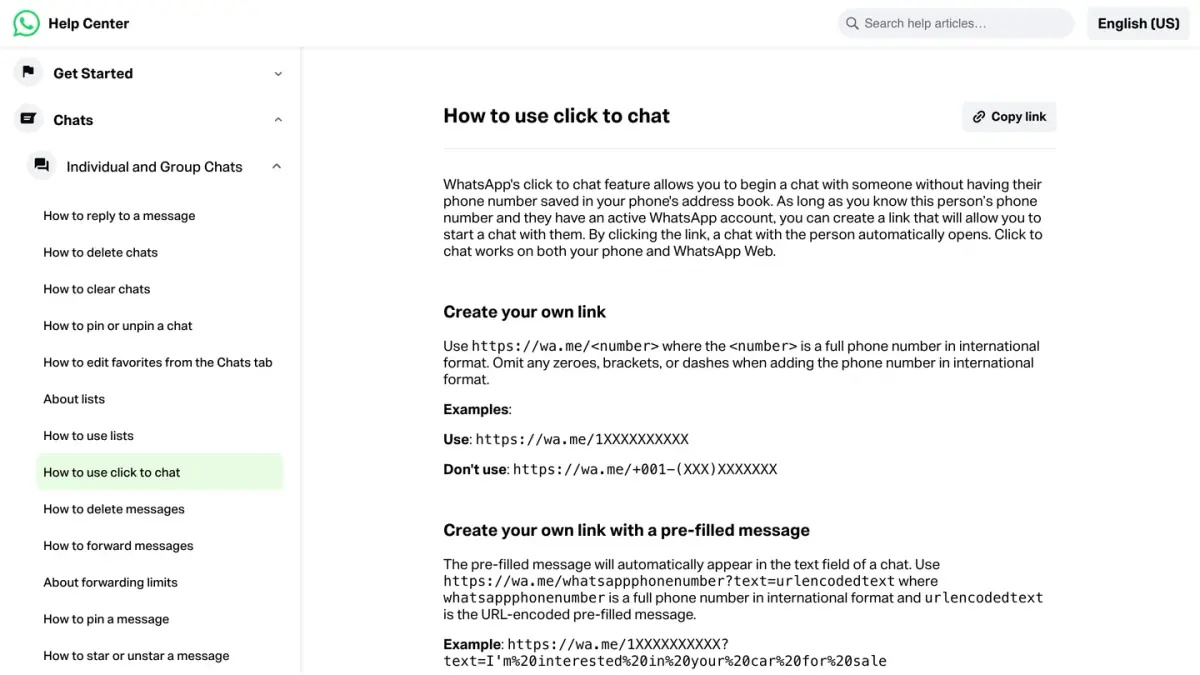
The wa.me link is the WhatsApp checker that lives inside WhatsApp itself, and it is free. It relies on the official click-to-chat feature, documented in WhatsApp's help center.
- Take the number in full international format: country code, then the number, with no plus sign, no spaces, no dashes. A French number becomes
33612345678, a US number becomes14155551234. - Put it after
https://wa.me/, sohttps://wa.me/33612345678. - Paste it into any browser and press enter.
If the number is on WhatsApp, a chat window opens (on mobile the app opens, on desktop it opens WhatsApp Web or the desktop app). If it is not registered, WhatsApp shows "Phone number shared via url is invalid". That message means one of two things: the number is not on WhatsApp, or you formatted it wrong. Double-check the country code before concluding the number is missing. If the person is simply not on WhatsApp, a regular text still reaches them: on an iPhone it goes out as a blue iMessage or as a green bubble, explained in why your texts are green.
This method never notifies the other person and never saves the contact. It is the right tool for a one-off check.
Check a number without saving it
If you want to verify a number without adding it to your contacts, the wa.me link above already does that. There is also a second option some people prefer on mobile: the click to chat method opens a draft chat straight from a link, so you can confirm the number resolves and start the conversation in one step.
The only reason to save a contact first is if you want WhatsApp to show you the person's profile photo and name as an extra signal. For a simple "is this number on WhatsApp" check, you do not need to. A missing photo proves nothing on its own, though: it is one of the ambiguous signs covered in how to know if someone blocked you on WhatsApp.
Validate a whole list: the WhatsApp Business API
Here is where a "WhatsApp checker" search can go wrong. People with a list of hundreds or thousands of numbers look for a bulk checker, and the tools that promise this are exactly the ones that get accounts banned.
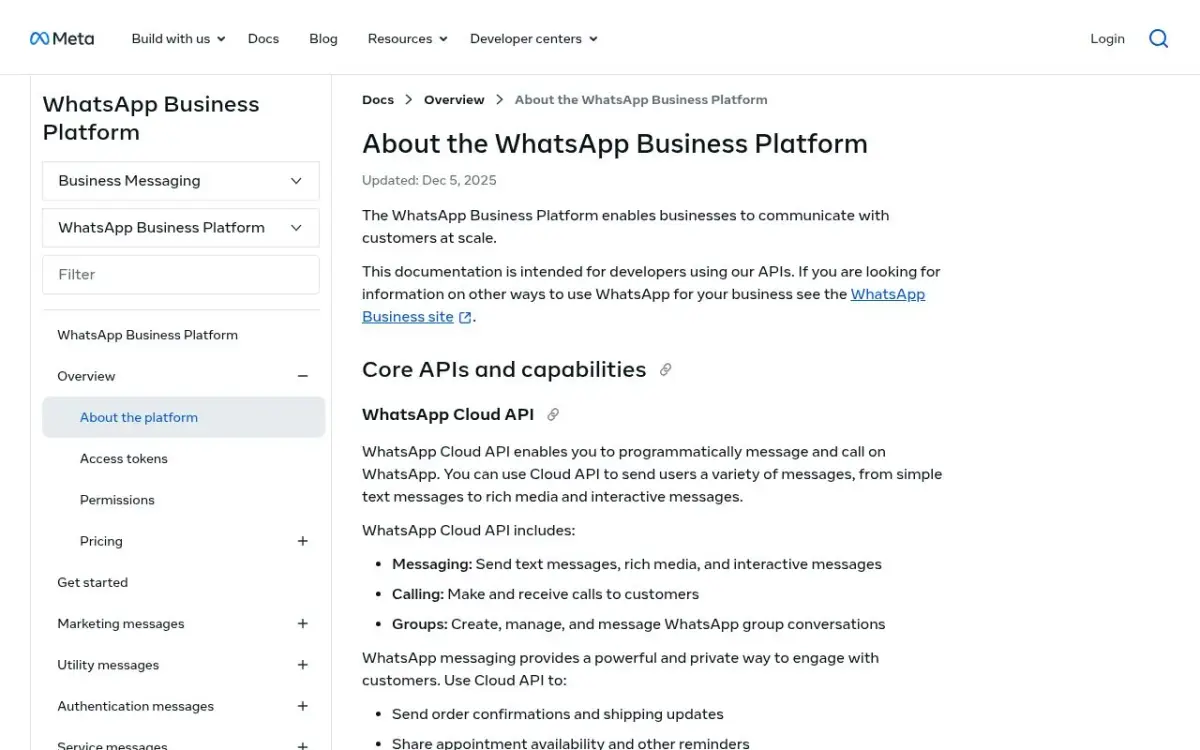
The compliant way to validate a large list is the WhatsApp Business API. When you send an approved message to an opted-in contact, Meta's Cloud API returns a delivery status. A "delivered" status confirms the number is active on WhatsApp; a failure with a specific error code tells you the number is not reachable. So your list gets validated as a natural by-product of your first legitimate message, not by pinging strangers.
If you run a business account, note that the API is not a setting inside the app: it is reached through a provider. Our guides explain how the WhatsApp Business API works and which providers give access to the WhatsApp Business API.
With Kanal, that happens automatically: send a campaign or a welcome flow to your opted-in Shopify customers, and the dashboard shows delivered, read, and failed per contact. You end up with a clean, reachable list without ever touching a grey-hat checker tool.
Why bulk "WhatsApp checker" tools are risky
Third-party tools that scrape or brute-check thousands of numbers to filter "WhatsApp actives" are tempting, but they carry real cost:
- They violate WhatsApp's terms of service, which prohibit automated or bulk querying of the platform.
- The number you check from is the number that gets banned, often permanently, and often the moment WhatsApp detects the pattern.
- Messaging the numbers you "found" means contacting people who never opted in, which breaks GDPR and similar rules and triggers block-and-report spikes that get you banned even faster.
The search demand for a "WhatsApp number filter" is real, but the only durable way to use it is on numbers you already have a relationship with.
The right way to build a reachable list
If your goal is a WhatsApp list that actually converts, the move is not to check strangers' numbers, it is to collect opt-ins and let the API validate them:
- Add a WhatsApp opt-in checkbox at your Shopify checkout and in pop-ups.
- Send your first opted-in message through the WhatsApp Business API.
- Read the delivery statuses to see which numbers are reachable.
That gives you a validated, consented, ban-safe list, which is worth far more than any harvested one.
Conclusion
For a single number, the free wa.me link is the only WhatsApp checker you need. For your customer list, skip the bulk checker tools entirely and let the WhatsApp Business API validate reachability as you send compliant, opted-in messages. If you run a Shopify store and want a clean WhatsApp list that stays deliverable, book a demo with Kanal or install the app from the Shopify App Store.
Nicolas helps e-commerce brands grow revenue with WhatsApp marketing. With deep expertise in Shopify ecosystems and conversational commerce, he shares proven strategies for abandoned cart recovery, broadcast campaigns, and AI-powered customer engagement.