WhatsApp Click-to-Chat Links: Generate, Track & Convert (2026)
Create WhatsApp click-to-chat links that turn Shopify visitors into customers: link generator, URL syntax, tracking and Click to WhatsApp Ads comparison.
 Nicolas ProvostMay 12, 2026 · 8 min read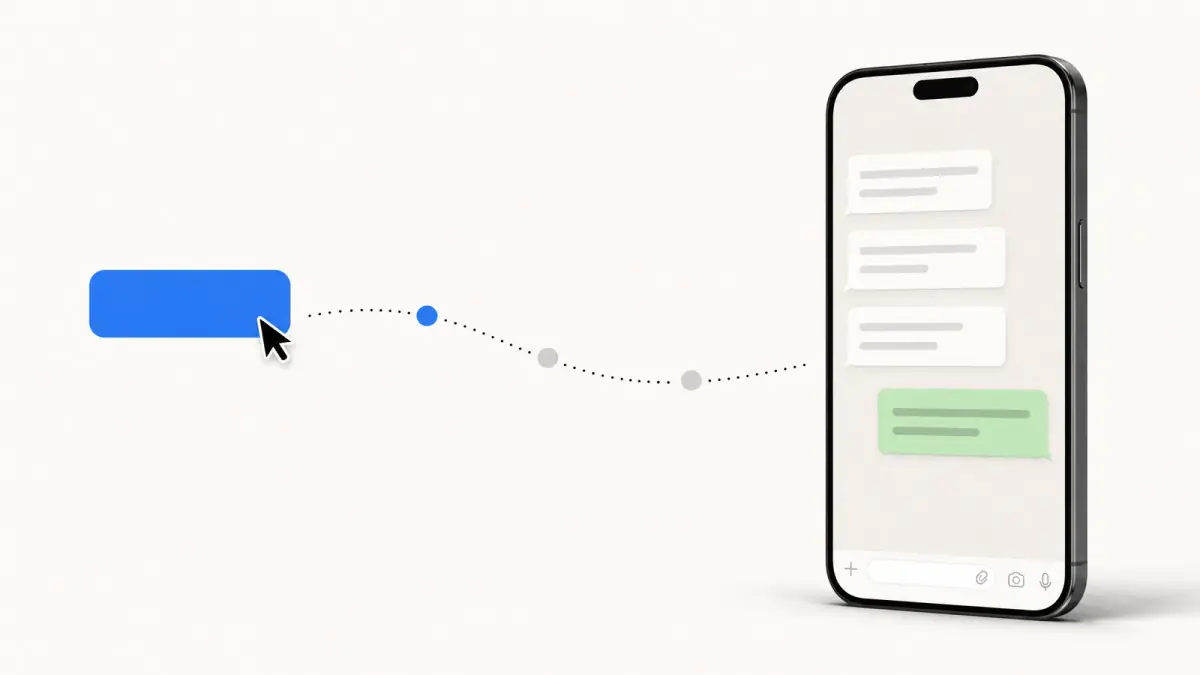
Summarize this article with an AI
 ChatGPT
 Claude
Table of contents (24)
Key takeaways
- A click-to-chat link is https://wa.me/ followed by your number in international format, digits only, with an optional URL-encoded pre-filled message.
- Pre-fill a short contextual message, since WhatsApp shows only the first 65 characters clearly, and put the link in a sticky widget and on product pages.
- Click-to-chat links are free and reach your existing traffic, while Click to WhatsApp Ads are paid Meta ads that scale with budget.
WhatsApp click-to-chat links are an easy lever to overlook in e-commerce marketing. They open a conversation with your team in one tap, they cost zero to deploy, and they sit perfectly between your top-of-funnel ads and the closed-loop conversation that turns visitors into buyers.
In this guide you'll learn how to create click-to-chat links manually, generate them with our free tool, embed them across your Shopify store, track their performance, and decide when to upgrade to paid Click to WhatsApp Ads (CTWA).
What is a WhatsApp click-to-chat link?
A WhatsApp click-to-chat link is a URL that opens WhatsApp with a pre-filled conversation when clicked. The visitor sees a ready-to-send message addressed to your business number, they don't have to type your phone number or save your contact.
The two official formats are:
- wa.me short link:
https://wa.me/<phone-number>?text=<message> - api.whatsapp.com format:
https://api.whatsapp.com/send?phone=<phone-number>&text=<message>
Both formats accept:
- An international phone number (digits only, no
+, no spaces, no dashes) - An optional pre-filled message (URL-encoded)
When a visitor clicks, WhatsApp opens (web or app) and they see the message ready to send. One tap on Send and they're in your inbox. This is the same mechanism that lets anyone message a WhatsApp number without saving the contact first.
How to create a click-to-chat link (3 methods)
Method 1: Build the URL manually
The fastest approach if you know the syntax.
https://wa.me/33612345678?text=Hi%20Kanal%20team%2C%20I%27m%20interested%20in%20your%20appA few rules:
- The phone number includes the country code (
33for France,1for US,44for UK), no+sign - Special characters in the
textparameter must be URL-encoded (%20= space,%27=',%2C=,) - Keep the message short, conversational, and product-relevant
Method 2: Use a free generator
Manually URL-encoding messages gets tedious. Use the Kanal WhatsApp link generator, paste your number, type your message, copy the link. The tool handles encoding, validates the phone number, and gives you a QR code in one click.
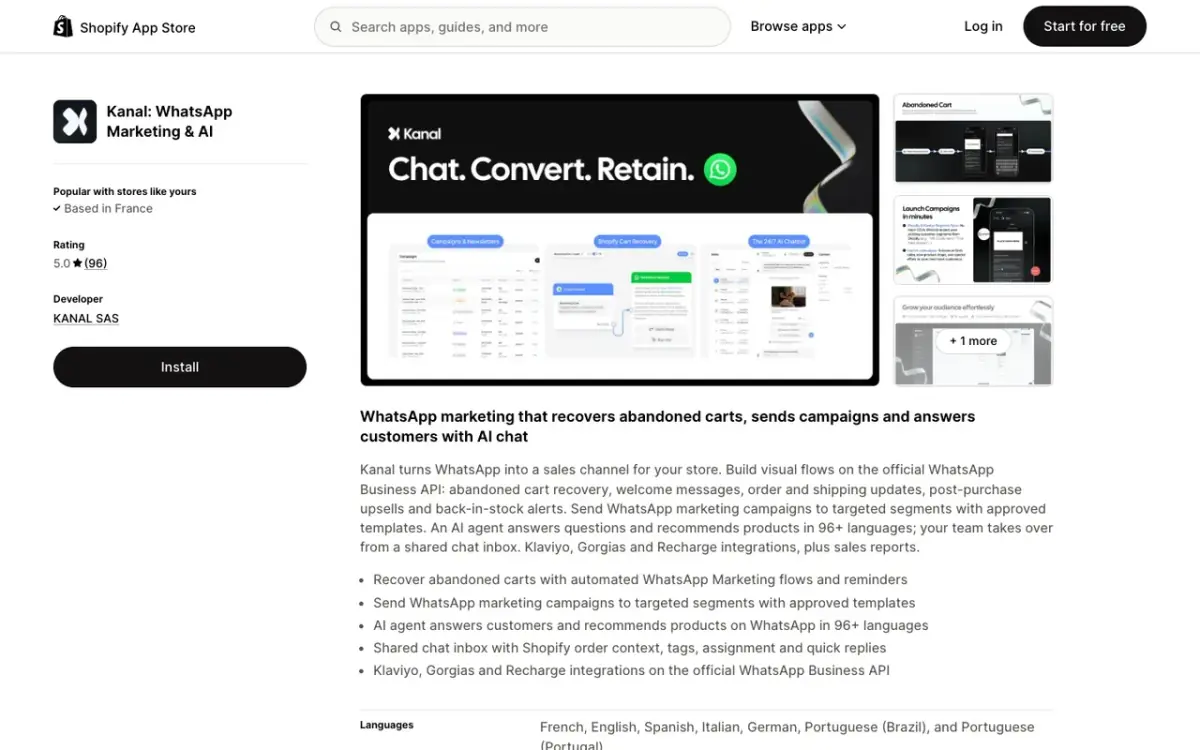
The generator also outputs:
- A pre-styled HTML button you can paste into your Shopify theme
- A QR code as a PNG to print on packaging or shop signage
- A short tracked URL with UTM parameters baked in
Method 3: Embed automatically in your Shopify store
For full-store coverage (homepage, product pages, cart, checkout, post-purchase), install the Kanal Shopify integration. It adds a floating WhatsApp widget, contextual click-to-chat buttons on each product page, and a post-purchase chat invitation. No code changes required.
Best practices for high-converting click-to-chat links
Apply these patterns to every link you publish, then check the results in your own tracking.
Use a contextual pre-filled message
A generic message ("Hi") tells your team nothing, while a contextual one ("Hi, I'm interested in the {product_name}") tells them what the visitor was looking at, so the first reply can be useful. On a product page, pre-fill the product title. On a checkout abandonment popup, pre-fill the cart contents.
Match the visitor's intent
- Pre-purchase: "Hi, I have a question about sizing for the {product}" → routes to sales
- Post-purchase: "Hi, my order #{order_id}" → routes to support
- Returns: "Hi, I'd like to return order #{order_id}" → routes to returns automation
A WhatsApp inbox tool like Kanal lets you tag conversations by intent automatically and route them to the right team.
Be transparent about response time
A line like "Reply usually within 15 minutes during business hours" sets expectations and reduces drop-off. Combine it with an AI chatbot for 24/7 instant first response.
Don't bury the button
The placements to cover first are:
- Sticky floating widget on every page (mobile and desktop)
- Inline button on product pages, above the fold
- Post-purchase thank-you page CTA
- Footer presence on every page for fallback
Where to place click-to-chat buttons on your Shopify store
| Location | Best for |
|---|---|
| Sticky floating widget | Whole-store coverage |
| Product page inline button | Pre-purchase questions |
| Cart drawer | Abandonment prevention |
| Order confirmation page | Post-purchase support |
| Email footer link | Owned channel migration |
| Instagram bio link | Top of funnel |
The effect compounds: every surface you add gives visitors another way into the conversation. Give each surface its own UTM (see below) to see which ones bring conversations and orders to your store.
Tracking click-to-chat performance
Click-to-chat looks free, but without tracking you cannot tell which links drive revenue. Three tracking layers fix this.
Layer 1: UTM parameters in the URL
Append UTMs to the wa.me link so Google Analytics 4 captures the click before the redirect:
https://your-store.com/whatsapp?utm_source=footer&utm_medium=social&utm_campaign=summerThen redirect server-side to the actual wa.me URL. This lets you see clicks in GA4 even though WhatsApp itself doesn't pass referrer.
Layer 2: Conversation attribution
Once the visitor lands in your WhatsApp inbox, you need to know where they came from. Tools like Kanal capture the source UTMs automatically on conversation creation, so you can attribute closed deals back to a campaign.
Layer 3: Revenue attribution
The final layer is matching conversations to orders. Shopify's customer.id ties to a WhatsApp phone number once the customer checks out. Kanal closes this loop natively, giving you a revenue per click-to-chat link metric. Compare this against the Kanal ROAS calculator for paid channels.
Click-to-chat vs Click to WhatsApp Ads (CTWA)
Click-to-chat is free. Click to WhatsApp Ads (CTWA) are paid Meta ads that open WhatsApp on click. Both lead to the same WhatsApp conversation, but the funnel mechanics are completely different.
| Factor | Click-to-Chat | Click to WhatsApp Ads (CTWA) |
|---|---|---|
| Cost | Free | Meta ad spend (CPC or CPM) |
| Targeting | Your existing audience | Meta's targeting algorithm |
| Tracking | Manual (UTM + tool) | Native Meta events |
| Volume | Limited to your traffic | Scalable with budget |
| Attribution | Last-touch only | Full Meta funnel attribution |
| Best for | Owned-traffic activation | Top-of-funnel paid acquisition |
The high-performing playbook: build organic click-to-chat first (your stickywidget + product pages), prove ROI on the conversations, then scale with CTWA once you have a baseline conversion rate.
For more on the paid side, read our deep dive on WhatsApp Business API providers, most CTWA campaigns require an API account.
Common click-to-chat mistakes (and how to avoid them)
Mistake 1: Wrong phone number format
The most common silent failure. The number +33 6 12 34 56 78 will not work. Strip everything except digits: 33612345678.
Mistake 2: Pre-filled message too long
WhatsApp shows the first 65 characters of the pre-filled message clearly. Beyond that, the user has to expand. Keep it short and self-explanatory.
Mistake 3: Sending to a personal number
A WhatsApp click-to-chat link to your personal number caps at 256 broadcast contacts and provides no analytics. Always use a WhatsApp Business API number for any commercial deployment.
Mistake 4: No fallback for desktop users
On desktop, wa.me opens WhatsApp Web. If the user isn't logged in, the link fails silently. Add a fallback message: "If WhatsApp Web doesn't open, scan this QR code." Generate the QR with our free WhatsApp QR code tool, and see our WhatsApp QR code guide for placement ideas across packaging and storefronts.
Mistake 5: Not setting an automated first response
A visitor clicks, lands in your inbox, and waits. Without an instant acknowledgment, they may leave before anyone answers. Set up an automated welcome message or use the Kanal AI chatbot to respond instantly.
Conclusion
Click-to-chat is a low-cost WhatsApp tactic for a Shopify store. Done right, it builds a qualified, opt-in audience whose results you can measure against your other channels.
The three actions to take now:
- Generate your first link with our free WhatsApp link generator
- Install it everywhere on your Shopify store (sticky, product, footer, thank-you)
- Connect WhatsApp to your store with the Kanal Shopify integration to track which links drive revenue
Want to see what a fully tuned click-to-chat funnel looks like in production? Book a demo and we'll walk you through the setup on your own store.
Resources
See Kanal on your own store
- Your campaigns and cart reminders on WhatsApp, starting from your own store
- Post-purchase offers, back-in-stock alerts, then the AI agent that advises your customers
- You leave with the plan that fits and its price
From €89/month
- brands
- 500+
- to set up
- 5 min
- open rate on WhatsApp
- +90%
Nicolas helps e-commerce brands grow revenue with WhatsApp marketing. With deep expertise in Shopify ecosystems and conversational commerce, he shares proven strategies for abandoned cart recovery, broadcast campaigns, and AI-powered customer engagement.