How to Know if Someone Blocked You on WhatsApp: 7 Signs
WhatsApp never tells you that you are blocked. The 7 signs listed in its Help Center, the other causes behind each one, and what a block changes.
 Nicolas ProvostOct 7, 2026 · 7 min read
Summarize this article with an AI
 ChatGPT
 Claude
Table of contents (8)
Key takeaways
- WhatsApp never tells you that you are blocked, and its Help Center says even its seven indicators together are not proof.
- The signs include no read receipts or last seen, a profile photo that stops updating, messages stuck on one gray check mark and calls that fail.
- Each sign has other causes, such as a phone that is switched off or changed privacy settings, so check your own Settings > Privacy first.
WhatsApp never tells you that someone blocked you. Its Help Center lists seven indicators (read receipts and last seen that disappear, a profile photo that stops updating, messages stuck on one gray check mark, calls that do not go through), and adds that even all seven together are not proof.
This guide sticks to what WhatsApp itself documents, as read on its Help Center on October 7, 2026: the seven signs, the other explanations WhatsApp gives for each of them, and what a block really changes on both sides. You will not find third-party "tricks" here, because none of them is confirmed by WhatsApp.
What are the signs that someone blocked you on WhatsApp?
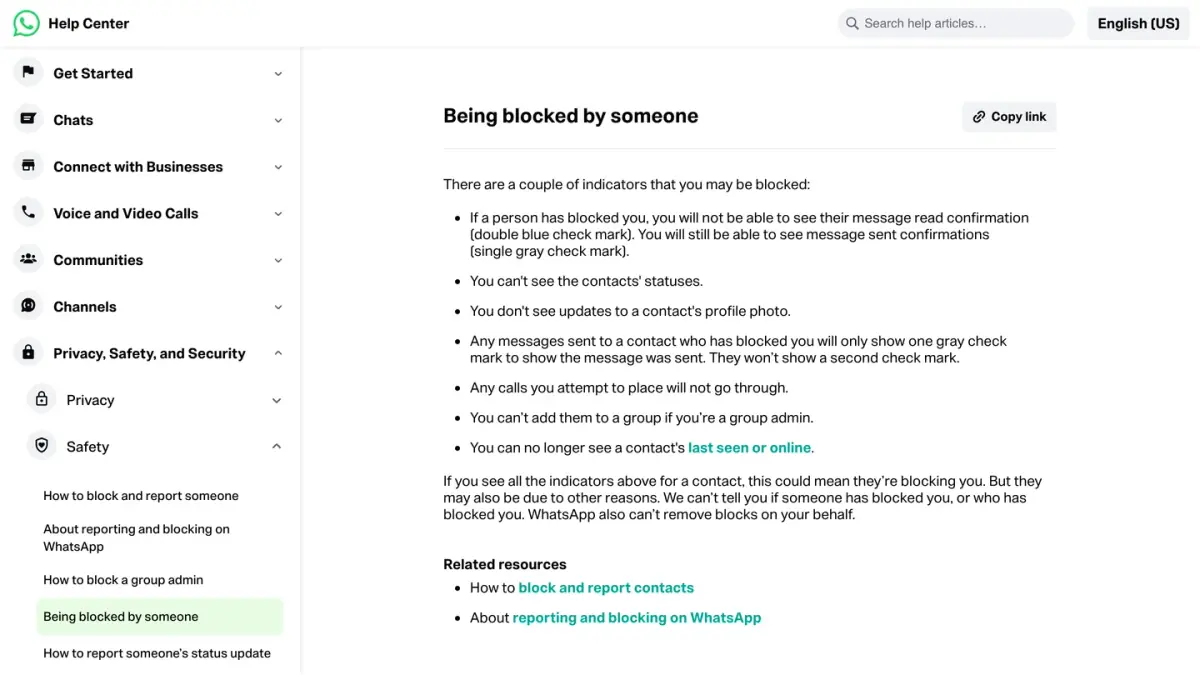
WhatsApp's page Being blocked by someone lists seven indicators:
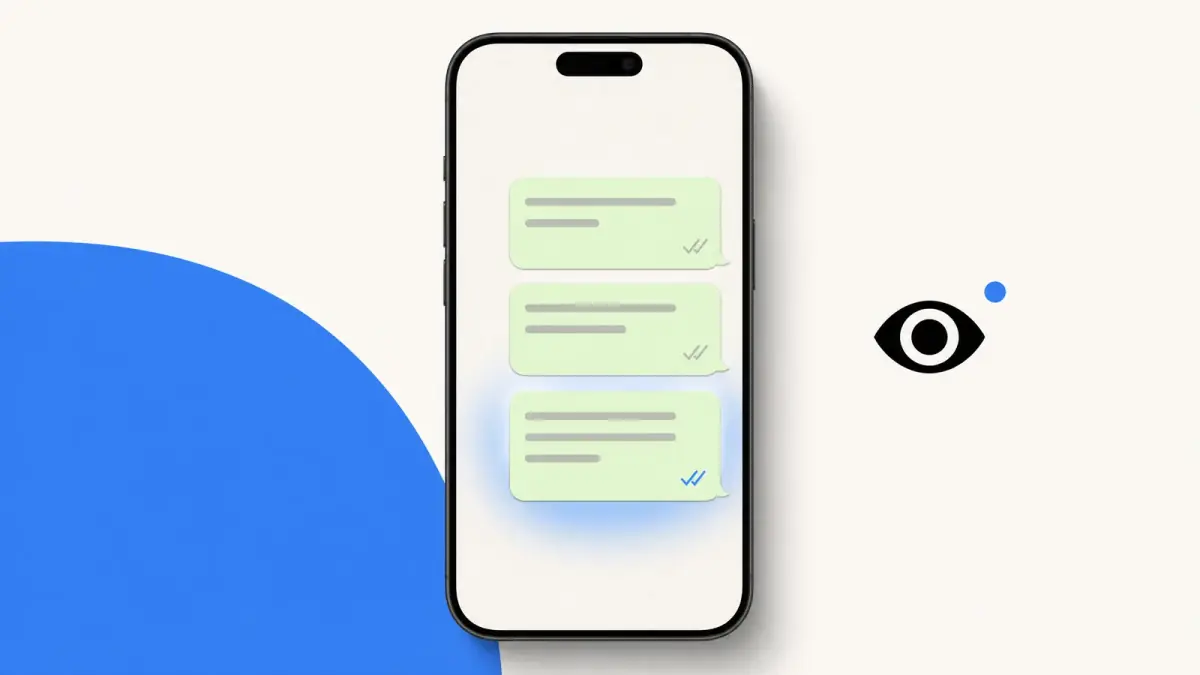
- No more read receipts. You stop seeing the two blue check marks on the messages you send to that person. You still see the single gray check mark that confirms a message was sent.
- No more status updates. Their statuses no longer appear for you.
- A profile photo that no longer changes. You do not see updates to their profile photo.
- One gray check mark, never two. Your messages show the "sent" check mark but never get the second one, which means "delivered".
- Calls that do not go through. Any call you place to that contact fails.
- No way to add them to a group. If you are a group admin, you cannot add that person to a group.
- No last seen or online. The line that shows when the person last used WhatsApp, or that they are online, is gone.
Not sure what each check mark stands for? Our guide to WhatsApp check marks and read receipts walks through them one by one.
Do these signs prove that you are blocked?
No. On the same page, WhatsApp writes that seeing all the indicators could mean a block, but that they may also have other causes. It also states that it cannot tell you whether someone blocked you, or who did, and that it cannot remove a block for you.
The person who blocks does see something. According to WhatsApp's page About reporting and blocking, a "You blocked this person" label appears under the contact's name and in the chat, and WhatsApp specifies that the blocked person does not see it. In other words, the app gives the blocked side no notice at all. All you can do is add up clues.
What else can explain each sign?
Each sign has ordinary explanations that WhatsApp documents on other Help Center pages. Go through them before you conclude anything.
| What you notice | Other causes listed by WhatsApp | Source |
|---|---|---|
| No blue check marks | You or the other person turned off read receipts, they have not opened the chat, one of you has a connection problem, it is the first message this person gets from you, or the date and time are wrong on one of the phones | How to check read receipts |
| Only one gray check mark | The recipient's phone is off and the message has not reached any of their linked devices | How to check read receipts |
| No last seen or online | You hide your own last seen (then you cannot see anyone else's), they hide theirs, you have never chatted or saved each other as contacts, or the connection is down for a moment | About last seen and online |
| No profile photo, about or status | Privacy settings changed on either side, contacts that need to be resynced, a number you have not saved, a person who has never messaged you or saved you, or a temporary network issue | Can't see a contact's profile information |
| You cannot add them to a group | WhatsApp lets every user control who can add them to groups | About reporting and blocking |
Two of these causes are on your side. If you turned off read receipts, you no longer see anyone's read receipts. If you do not share your last seen, you cannot see other people's. Check Settings > Privacy on your own phone first.
One sign taken alone tells you nothing. Several signs at once, lasting for days, with a contact who used to show all this information, make a block more likely. They still do not make it certain.
What does a block actually change?
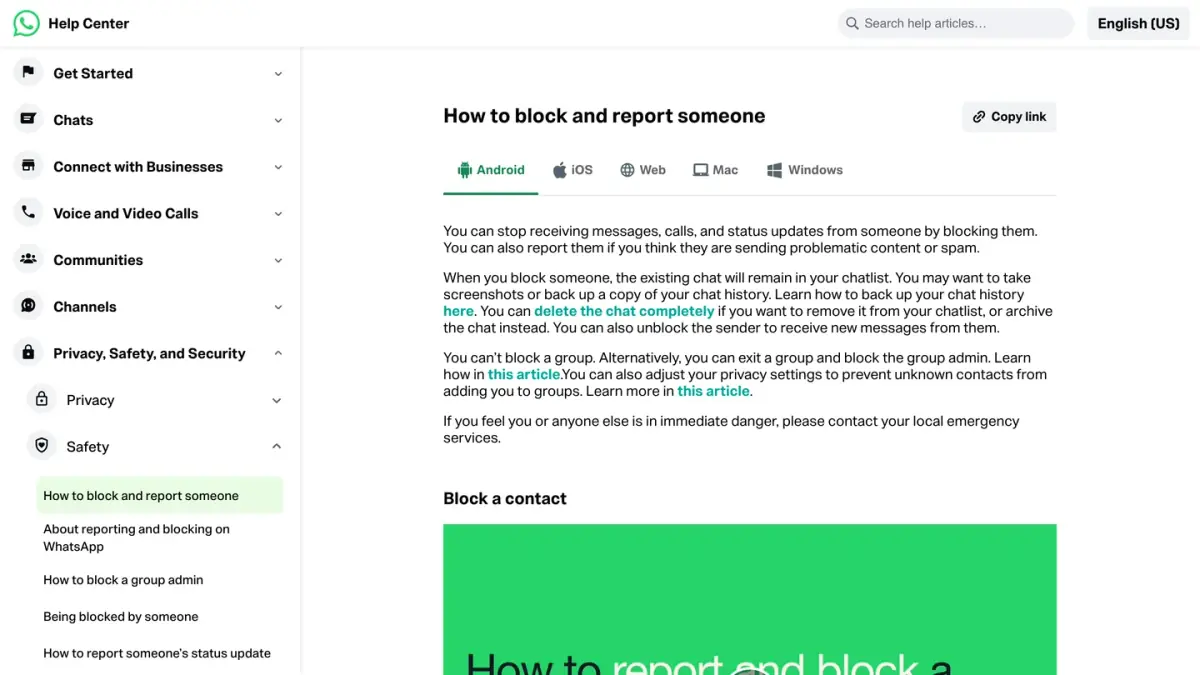
Here is what happens when a contact blocks you, according to About reporting and blocking and How to block and report someone:
- They stop receiving what you send. Your messages, calls and status updates no longer reach them.
- Their activity is hidden from you. Their last seen, online, status updates and profile photo changes are no longer visible to you. That is where the seven signs come from.
- You stay in each other's contacts. A block does not remove you from the other person's contact list, or them from yours.
- Shared groups keep working. In a group you both belong to, you still see each other's messages.
- Nothing is delivered later. If the person unblocks you, the messages, calls and status updates you sent during the block are not delivered afterwards.
A block is also different from a ban. A block comes from one contact and only affects your exchanges with that person. A ban comes from WhatsApp, which says it may ban accounts whose activity breaks its Terms of Service, and it affects the whole account: see what to do when a WhatsApp account is banned.
What can you do if you think you are blocked?
- Rule out your own settings. Read receipts and last seen work both ways, as explained above.
- Check the basics. Make sure the number is saved in your contacts and that it is the right one (here is how to check if a number is on WhatsApp), then give it time: a phone that is switched off produces the same single check mark.
- Do not try to get around it. WhatsApp tells people who block someone that if that person writes from new numbers, each new number can be blocked and reported. Writing from a second number mostly gets that number reported too.
- Do not use a group as a test. Adding someone to a WhatsApp group to see whether it works drags other people into it, and a failure can simply come from that person's group settings.
- Use another channel if it matters. A phone call, an email or a mutual friend will tell you more than any check mark. If the answer is silence, respect it: WhatsApp cannot lift a block, and neither can you.
Where do you see the contacts you blocked yourself?
Your own list is under Settings > Privacy > Blocked contacts, according to WhatsApp. Before you block someone, WhatsApp suggests taking screenshots or making a backup of your chats if you want to keep a record: the existing chat stays in your list, but nothing new comes in.
If you run an online store on WhatsApp
Customers can block a business the same way they block a person, and the business gets no notice either. The way to avoid it is simple to state: write only to customers who asked to hear from you, and send messages they expect. Kanal is a WhatsApp marketing and sales app for Shopify stores: campaigns, abandoned cart recovery, order notifications and a team inbox.
If you run a business account, each message sent through the WhatsApp Business API is also billed by Meta once delivered, one more reason to write only to people who expect it. Our guides cover how the WhatsApp Business API works and what Meta charges businesses per WhatsApp message.
Sources
WhatsApp Help Center pages read on October 7, 2026:
Nicolas helps e-commerce brands grow revenue with WhatsApp marketing. With deep expertise in Shopify ecosystems and conversational commerce, he shares proven strategies for abandoned cart recovery, broadcast campaigns, and AI-powered customer engagement.