Drive-to-Store WhatsApp Campaigns: 2026 Multi-Store Playbook
Drive in-store traffic with WhatsApp campaigns: geolocation, store-finder integration, click-and-collect and 12 templates for multi-store brands.
 Nicolas ProvostMay 19, 2026 · 12 min read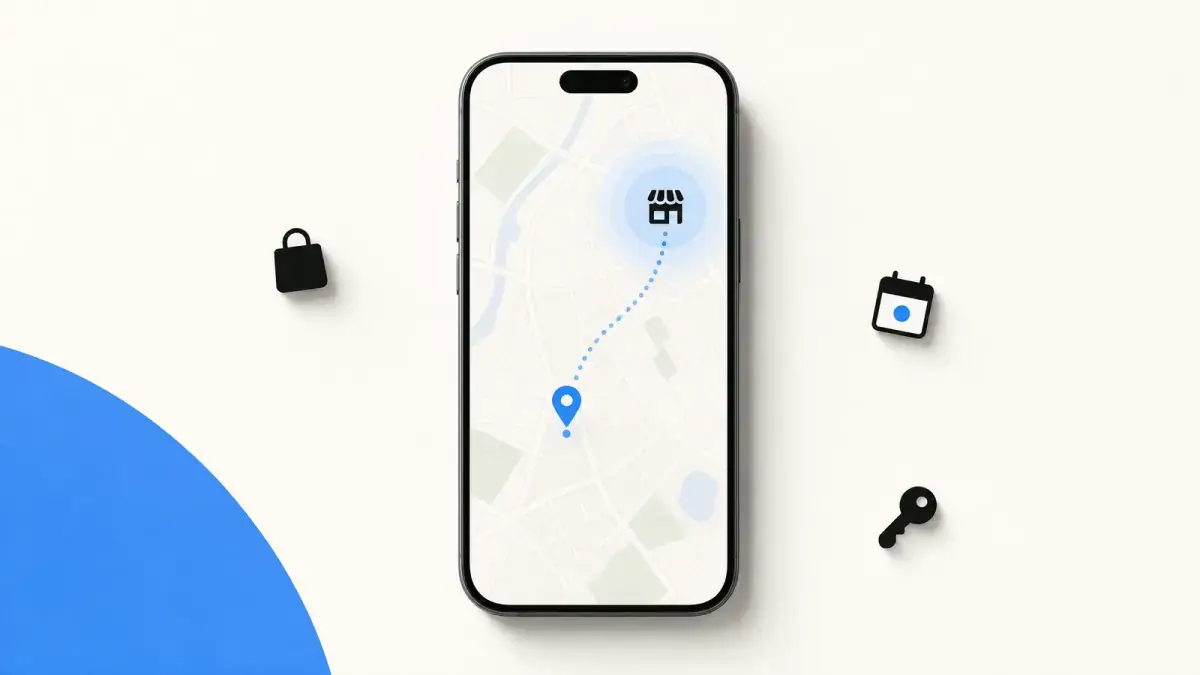
Summarize this article with an AI
 ChatGPT
 Claude
Table of contents (22)
Key takeaways
- Drive-to-store WhatsApp campaigns invite opt-in customers who live near a store to book appointments, collect orders or attend events.
- Postal-code segmentation is the simple way to target by location, while GPS triggers need a loyalty app that records location pings.
- Use one central WhatsApp Business API number per country, since separate numbers per store fragment the database and break attribution.
- No independent benchmark exists for in-store uplift, so measure visits and POS sales against a holdout group that does not receive the campaign.
Drive-to-store is the WhatsApp marketing use case built for brands with physical stores. While DTC pure-players focus on abandoned cart recovery and CTWA campaigns, multi-store retail brands have another lever sitting in their database: the opt-in list cross-referenced with a network of 20, 50, or 500 physical stores.
This playbook covers every angle: drive-to-store patterns by retail vertical, five use cases, the Shopify POS plumbing, and 12 ready-to-use templates.
The Three Hurdles of Drive-to-Store on WhatsApp
Three hurdles, all smaller than they look:
- WhatsApp needs an owner. A retail CRM team built around email and SMS needs someone who understands WhatsApp opt-ins, templates and conversations.
- Geolocation and store-finder logic feels complex. It is not. Postal-code segmentation is a simple setup in Kanal.
- In-store revenue is harder to attribute. Solved in 2026 thanks to the Shopify POS sync, which writes every in-store transaction back to the customer profile.
Take a retail chain with 80 stores and 500K opt-ins: each store can invite the customers who live nearby, at a marginal cost of one marketing message per invitation: $0.0859 per delivered message in France, for example (Meta's pricing; full breakdown by country: WhatsApp business pricing guide). How many visits that brings is something to measure store by store, against a holdout group.
Drive-to-Store Patterns by Retail Vertical
A short tour of what a drive-to-store WhatsApp playbook looks like in different retail verticals:
Beauty retail. Three pillars: private-event invites for top loyalty-tier customers, in-store services (skin diagnostic, makeup application) booked through WhatsApp, and exclusive product drops only available in selected stores. The targeting is postal-code-tight.
Fashion with flagships and pop-ups. Invitations for local clients to pop-up events and flagship drops, plus personal-shopper appointments booked in the conversation.
Sports and outdoor retail. Stock-availability messages for in-demand items, "your bike is ready for pickup" notifications, and pre-launch invites for new gear (kayaks, e-bikes) where in-store trial drives sales.
Other verticals: optical chains (booking eye exams via WhatsApp) and grocery (click-and-collect notifications).
Use Case 1: Appointment Booking via WhatsApp (Luxury, Beauty, Optical)
The flow that converts:
- Trigger: a broadcast or a CTWA ad invites the user to book an in-store service ("free skin diagnostic", "watch sizing", "eye exam").
- Conversational booking: the user replies and the bot asks for store, preferred date, and time slot. Three messages max.
- Confirmation + reminder: a confirmation template fires immediately, a reminder 24 hours before, and a thank-you after the visit.
Why WhatsApp fits this flow: the booking happens inside the conversation, the reminder lands in the app customers already use to talk to friends, and the user can cancel or reschedule with a single message. No friction.
For the technical stack, see our chatbot WhatsApp e-commerce guide.
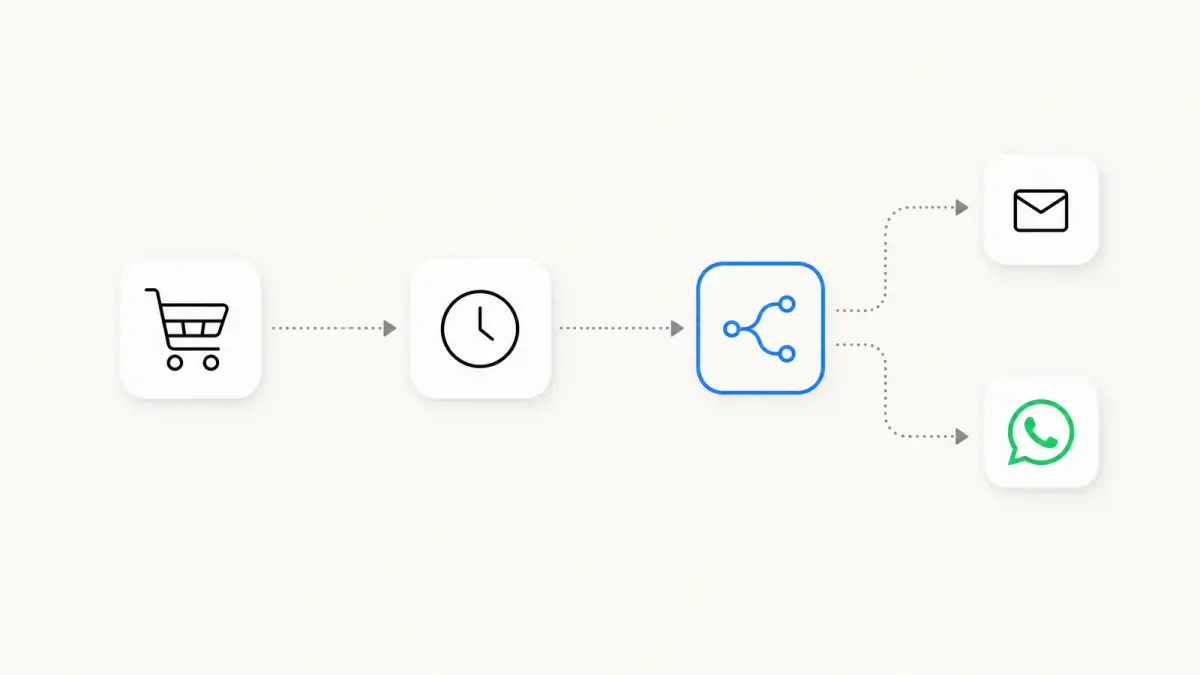
Use Case 2: Click-and-Collect Notifications (Every Retail)
If you sell physical products and offer click-and-collect, you should be using WhatsApp utility messages, not email. Meta charges each delivered utility message: $0.0300 in France and $0.0220 in the UK (Meta's pricing; see our WhatsApp business pricing guide). The flow:
| Step | Message type | Trigger |
|---|---|---|
| Order placed | Utility template | Shopify checkout webhook |
| Order ready | Utility template | POS picking complete |
| Pickup reminder | Utility template | 24 hours after "ready" |
| Pickup confirmed | Utility template | POS handoff scan |
| Thank-you + review request | Marketing template (D+7) | Manual trigger |
Five touchpoints, fully automated, each one carrying information the customer is waiting for.
Use Case 3: Store-Event Invites (Drops, In-Store Launches)
The drop economy lives in retail too. WhatsApp is perfect for closed-list invitations:
- Tier 1 VIPs (top 5% LTV): invited 48 hours before public announcement, with a personalised RSVP flow.
- Tier 2 regulars (top 25% LTV): invited 24 hours before public, group RSVP.
- Tier 3 opt-ins in radius of the event store: invited at public launch.
Three tiers, three different messages, one campaign. Track RSVPs and actual attendance by tier to see what the personalisation adds compared with an email blast.
Example: a beauty brand launching a collection at its flagship store can use this tiered invite system to fill the event while preserving a sense of exclusivity.
Use Case 4: Geolocation-Triggered Offers (the 500m Radius Trick)
Two ways to do geo-triggered WhatsApp in 2026:
Method A: Postal-code segmentation (the easy one). When the customer opts in, capture their postal code (via a quick reply or from Shopify customer data). Segment your broadcasts to send only relevant messages: "Saturday in-store event at our Le Marais store" goes only to 75003/75004 subscribers.
Method B: GPS-triggered (the advanced one). If your loyalty app captures GPS pings and writes them back to the customer profile, you can fire a WhatsApp message when the user enters a 500m radius around any store. "Hey, you are close to our Bastille store, your saved item is in stock." The message reaches the customer a few minutes from the store, which is the whole point: measure walk-ins against a holdout group before rolling it out to every store.
Method A needs nothing more than your customer data. Method B is for the brands with a sophisticated mobile-app stack.
Use Case 5: Re-Engaging In-Store Buyers Post-Visit
The Shopify POS sync makes this trivial. Every in-store transaction writes to the customer profile. From there:
- D+2: thank-you message with care instructions for the bought product.
- D+7: review request for the products bought in store.
- D+30: cross-sell based on the bought category.
- D+90: re-engagement if no follow-up purchase.
Measure what this sequence adds with a holdout group: compare the repeat rate of in-store buyers who receive it with those who do not. See WhatsApp marketing ROI and KPIs for the math.
Setup: Connect Shopify POS + WhatsApp + Your Store-Finder
The 3-block stack:
Block 1: WhatsApp Business API. Get a verified number with a BSP or use a turnkey platform like Kanal. Full setup details in our WhatsApp Business API guide.
Block 2: Shopify POS sync. Make sure your POS is the source of truth for in-store transactions. Customer profiles must update in real time with store, products, basket value, and last visit. The official Shopify POS docs cover this.
Block 3: Store-finder logic. Your store-finder JSON (postal code -> store -> manager email -> opening hours) feeds the WhatsApp logic. When the bot needs to recommend a store, it queries this JSON. If your website has a store locator, you already have this data.
For the segmentation backend, see WhatsApp customer support for Shopify which covers the same data model.
12 Ready-to-Use Message Templates by Use Case
Appointment booking (3 templates)
Template 1 : Service invite
"Hi [first_name], we just opened our spring booking calendar for free in-store skin diagnostics. 30 minutes, with a senior consultant. Want me to find a slot for you at our [closest_store] store?"
Template 2 : Booking confirmation
"All set [first_name]. Confirmed for [date] at [time] at [store_address]. Need to reschedule? Just reply 'change'."
Template 3 : 24-hour reminder
"Quick reminder [first_name], your appointment is tomorrow at [time] at [store_address]. Reply 'cancel' if you cannot make it, otherwise see you tomorrow."
Click-and-collect (3 templates)
Template 4 : Order ready
"Good news [first_name], your order #[order_id] is ready for pickup at [store_address]. Opening hours: [hours]. You have 7 days to collect."
Template 5 : Pickup reminder
"Reminder [first_name], your order #[order_id] is waiting at [store_address]. Please collect before [date] or we will need to restock."
Template 6 : Pickup thank-you
"Thanks for picking up your order today [first_name]. If you have a minute, we would love your feedback: [review_link]."
Store events (3 templates)
Template 7 : VIP launch invite
"Exclusive invite for our top clients [first_name]. The new [collection] launches Thursday at 7pm at our [store] location, before public release. Limited to 30 guests. Reply 'yes' to confirm."
Template 8 : Public launch reminder
"Tomorrow [first_name], 6pm at [store_address]. Doors open at 5:30pm, drinks and capsule preview until 9pm. See you there?"
Template 9 : Post-event thank-you
"Great seeing you yesterday [first_name]. Here is the post-event lookbook with all pieces presented: [link]. Anything you want me to hold at the store?"
Geo-triggered (3 templates)
Template 10 : In-radius offer
"Hey [first_name], spotted you are near our [store] today. The [product] you saved last week is back in stock and in-store now. Want me to set it aside?"
Template 11 : Store opening hours
"Happy [day] [first_name]. Today our [store] is open [hours]. Anything in particular we can have ready for you?"
Template 12 : Local exclusive
"Quick heads-up [first_name], our [store] team is running a private 20% off today for top-tier members. Stop by anytime before 7pm and mention this message."
Compliance: GDPR + Opt-in Flows for Retail
Drive-to-store messages must respect WhatsApp's policy AND your local data laws. The two non-negotiables:
Explicit opt-in for marketing, separate from utility (order updates) and from service (support). The opt-in must mention "we will send you marketing messages via WhatsApp". See our full WhatsApp opt-in GDPR guide.
One-tap opt-out in every marketing message. WhatsApp Business API supports the "stop" keyword natively. Honour it within 24 hours or face quality-rating penalties.
For retail brands collecting opt-ins at POS, the cleanest pattern is: opt-in checkbox on the receipt screen at checkout, with a short legal mention. Track the opt-in rate of each collection point (POS, website pop-up, CTWA) separately, so you know where your list actually grows.
External authority: CNIL guidance on cold prospecting (France-specific, applicable across EU under GDPR principles).
Conclusion: The Multi-Store Brand Advantage
The brands that combine WhatsApp + Shopify POS + store-finder logic in 2026 unlock a channel that pure DTC cannot replicate: a personal, geo-aware, conversational connection to a physical retail network. Each message costs cents, every visit it brings can be measured against a holdout group, and the customer data flywheel compounds quarter after quarter.
Want to launch your first drive-to-store WhatsApp campaign next week? Book a Kanal demo or install the Shopify app.
FAQ
How does WhatsApp drive in-store traffic?
WhatsApp drives in-store traffic by combining the personal nature of messaging with geolocation triggers, store-finder logic, and direct conversational booking. The user receives a message offering an in-store benefit (private fitting, exclusive launch, in-store pickup), confirms via reply or tap, and the store visit is arranged right in the conversation.
Can WhatsApp send location-based offers?
Yes. Through a platform like Kanal, you segment your opt-in list by postal code, city, or radius around a store, and send only relevant offers. Some BSPs also support deep-linking the user's location, so the welcome message dynamically shows the nearest store.
Do I need a separate WhatsApp number per store?
No, and you should not. One central WhatsApp Business API number per country, with intelligent routing by postal code or last-purchased-store, is the modern setup. Multiple numbers fragment the database, multiply Meta verification, and break attribution.
Does WhatsApp integrate with Shopify POS?
Shopify POS saves in-store orders to the customer's profile in Shopify. A WhatsApp platform connected to your Shopify data, such as Kanal, can then use them in flows: a thank-you message 48 hours after a store purchase, a review request after 7 days, or a re-engagement after 90. To collect and display those reviews on the store, see the best review apps for Shopify.
What conversion uplift do drive-to-store WhatsApp campaigns produce?
There is no independent public benchmark for the in-store uplift of WhatsApp campaigns, and vendor figures are not audited. Measure it on your own network: compare store visits and POS sales of a targeted segment with a holdout group that does not receive the campaign.
Resources
- WhatsApp Business API guide
- Best WhatsApp apps for Shopify
- WhatsApp marketing for e-commerce
- WhatsApp broadcast guide
- WhatsApp business pricing guide
- WhatsApp business templates
- WhatsApp opt-in and GDPR
- WhatsApp customer support for Shopify
- WhatsApp marketing ROI and KPIs
- Conversational commerce guide
- Click-to-WhatsApp ads benchmarks: build your own
- Chatbot WhatsApp e-commerce guide
- WhatsApp QR code guide
- WhatsApp marketing examples from brands
- WhatsApp QR code generator
- Shopify POS documentation
- Meta WhatsApp Business Platform docs
- CNIL guidance on direct marketing
See Kanal on your own store
- Your campaigns and cart reminders on WhatsApp, starting from your own store
- Post-purchase offers, back-in-stock alerts, then the AI agent that advises your customers
- You leave with the plan that fits and its price
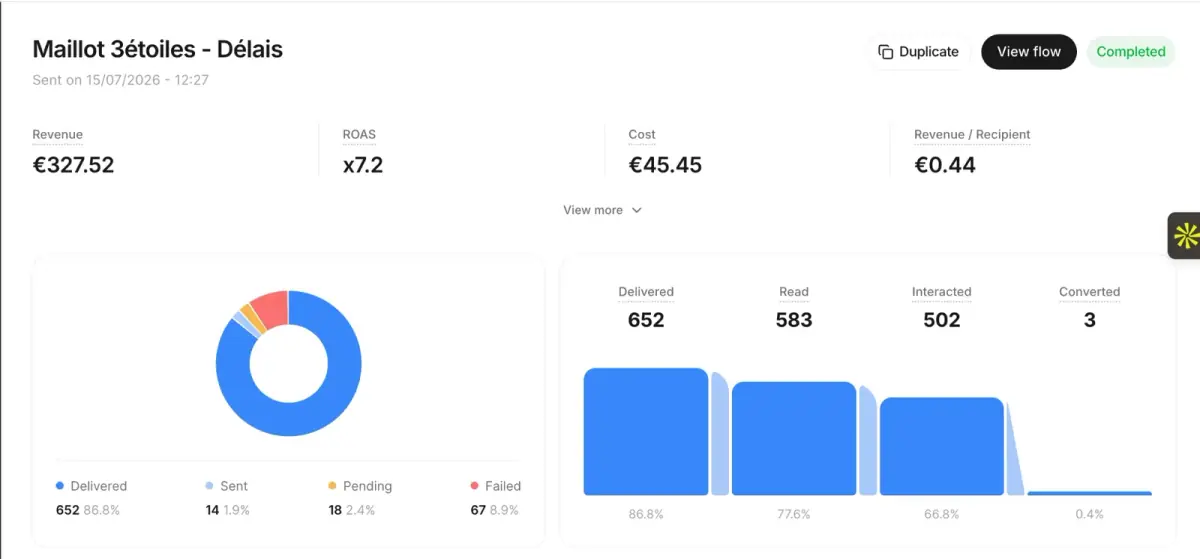
From €89/month
- brands
- 500+
- to set up
- 5 min
- open rate on WhatsApp
- +90%
Nicolas helps e-commerce brands grow revenue with WhatsApp marketing. With deep expertise in Shopify ecosystems and conversational commerce, he shares proven strategies for abandoned cart recovery, broadcast campaigns, and AI-powered customer engagement.