WhatsApp Bot for Ecommerce: How a WhatsApp Chatbot Works
WhatsApp bot for online stores: how it works, rule-based flow or AI agent, Meta's rules (24-hour window, templates, opt-in), setup steps and metrics.
 Nicolas ProvostMay 19, 2026 · 12 min read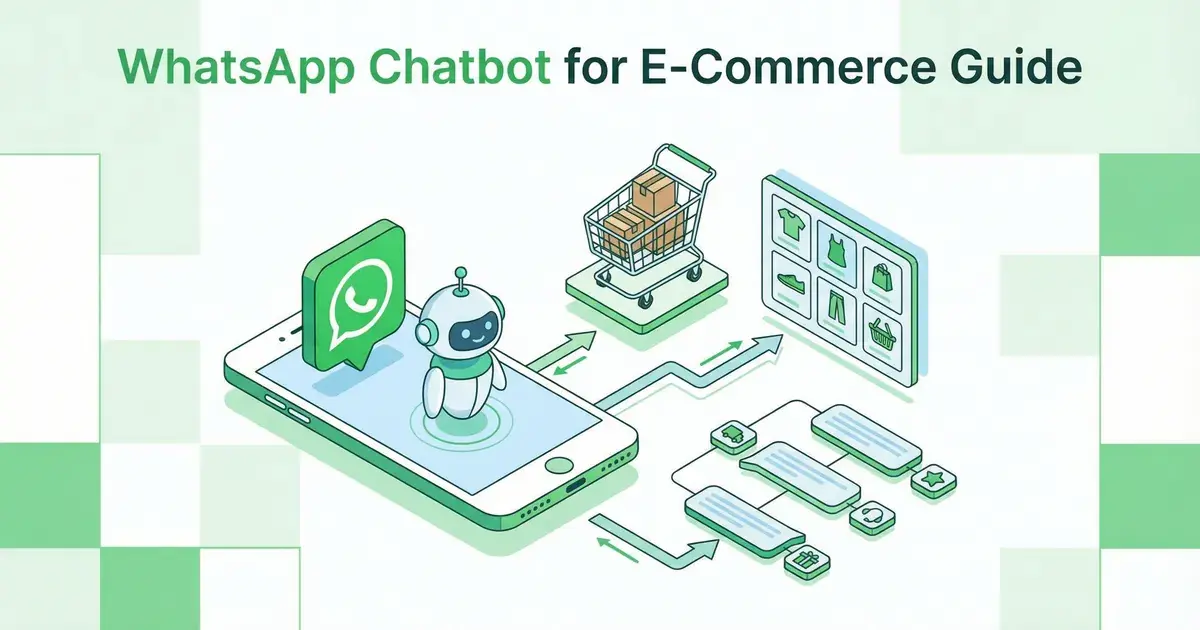
Summarize this article with an AI
 ChatGPT
 Claude
Table of contents (14)
Key takeaways
- A WhatsApp bot connects to a business number through Meta's WhatsApp Business Platform and answers with a scripted flow or a text written by an AI.
- It can reply freely for 24 hours after each customer message, then needs a Meta-approved template and the customer's opt-in to write again.
- Meta allows automation as long as a clear escalation path to a human exists, and gives each number 1,000 free service messages per month.
A WhatsApp bot, or WhatsApp chatbot, is software connected to a business's WhatsApp number through Meta's WhatsApp Business Platform: it receives customer messages and answers them in place of the team, by following a flow written in advance or with an AI. For an online store, a WhatsApp chatbot for ecommerce can reply freely for the 24 hours that follow each customer message, can then only send message templates approved by Meta, and only messages customers who have opted in.
This page explains how it works, not which tool to pick. To compare platforms, read our WhatsApp chatbot comparison. To choose the channel (website chat or messaging), see our article on the AI chatbot for ecommerce. The rules cited here come from Meta's documentation and policies, read on October 7, 2026.
How does a WhatsApp bot work?
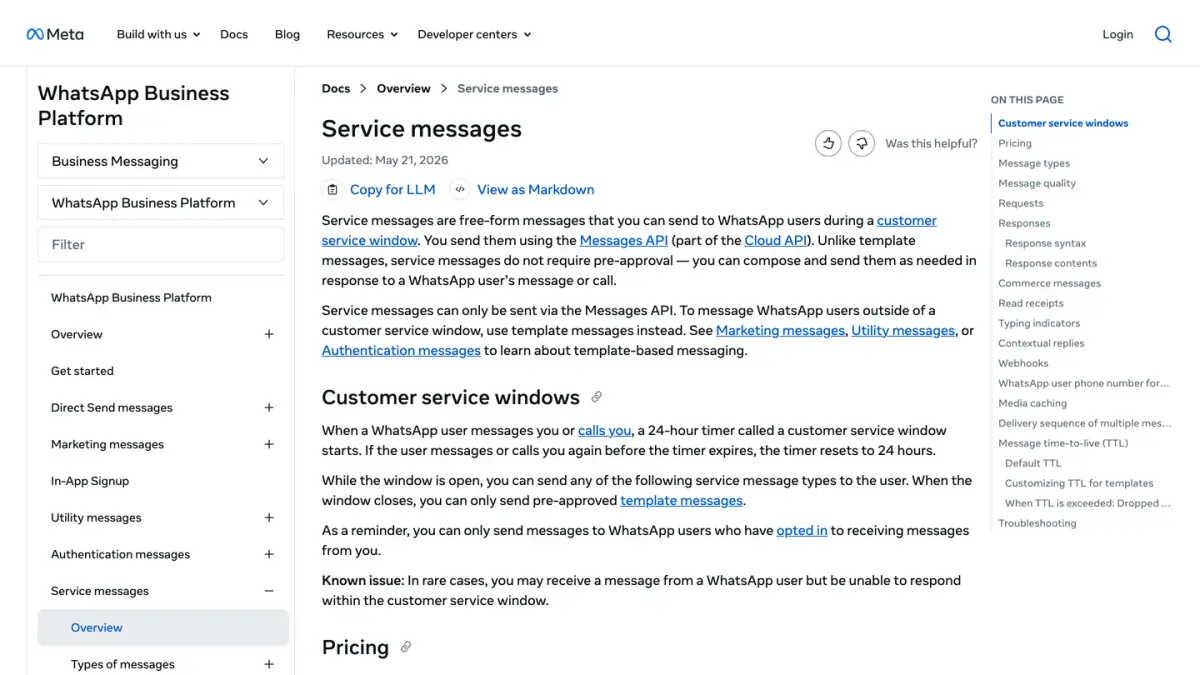
A WhatsApp bot is a program outside the app, plugged into the WhatsApp Business Platform. Every exchange follows the same path.
- The customer messages the store's WhatsApp number.
- Meta passes that message to the store's software through a webhook, a notification sent to an address the software listens on.
- The software picks the reply: a branch of a flow, or a text written by an AI from the store's content.
- It sends that reply through Meta's Messages API, then receives the status of the message: sent, delivered, read.
Source: Meta's documentation on the messages webhook and on service messages, as of October 7, 2026.
The store does not have to build this program itself. Meta's terms describe two routes: using the platform directly, or going through a Solution Provider, a third party authorized to use the APIs on the business's behalf (Meta Terms for WhatsApp Business Platform, last modified September 23, 2026, as of October 7, 2026).
Two clarifications avoid confusion:
- The greeting message and the away message of the WhatsApp Business app send a fixed text, without reading the question. They are not bots: our guide to the WhatsApp automated message explains how to turn them on.
- Meta offers its own AI agent, Meta Business Agent, whose messages are a category of their own on Meta's pricing page. Our Meta Business Agent guide covers it.
Rule-based flow or AI agent: what is the difference?
Both answer without a human stepping in, but not in the same way.
| Rule-based flow | AI agent | |
|---|---|---|
| How it understands the customer | Through the choices you planned: buttons, lists, keywords | Through the customer's free text |
| Where the reply comes from | A text you wrote for each branch | A text written from the content you provide: catalog, help pages, policies |
| What you maintain | The tree of questions and answers | The content it consults and its instructions |
| What trips it up | A question the flow did not plan for | A question whose answer is missing from its content |
| Where it fits | Closed journeys: track an order, start a return, book an appointment | Open questions: product advice, comparison, special case |
A rule-based flow relies on WhatsApp's interactive formats: reply buttons (up to three predefined replies per message), lists of options, and WhatsApp Flows, structured messages that Meta cites for booking appointments or collecting customer feedback, among other uses (Meta's documentation on message types, as of October 7, 2026). Mind the vocabulary: a "flow" here means an automation scenario, while "WhatsApp Flows" is the name of a message format.
The same question, handled both ways:
The customer: Hi, has my order shipped?
The rule-based flow shows three buttons: "Track my order", "Start a return", "Talk to an agent". The customer taps the first one, the bot asks for the order number, then shows the status.
The AI agent understands the request, finds the order if the tool is connected to the store, then answers in one sentence with the status and the tracking link.
The two approaches combine well: an AI agent to understand the request, a flow for the steps that must not vary, and a person for the rest.
What does a WhatsApp bot need to run?
Six conditions, all set or framed by Meta.
1. A number connected to the WhatsApp Business Platform
Meta describes the platform as a suite of products with business services and APIs that allow businesses to send or receive messages on WhatsApp, either directly or through a Solution Provider (platform terms, as of October 7, 2026). A third-party bot goes through this platform, not through the Tools tab of the WhatsApp Business app.
2. The 24-hour customer service window
When a customer messages or calls, a 24-hour timer starts, and each new message or call from them resets it to 24 hours. While the window is open, the bot can send free-form messages, which Meta calls service messages: text, image, reply buttons, list. When it closes, only pre-approved templates go through (Meta's documentation on service messages, as of October 7, 2026).
3. Message templates to write outside the window
A template is a message prepared in advance, with variables such as the first name or the order number. Meta reviews it automatically when it is created and after each edit, and it can only be sent once approved. Each template is categorized as marketing, utility or authentication (Meta's documentation on templates, as of October 7, 2026). For a bot, templates reopen a conversation: a follow-up after 24 hours of silence, an order update, a cart reminder. Our WhatsApp Business template examples are ready to submit.
4. Customer opt-in
Meta requires businesses to obtain opt-in before messaging people on WhatsApp. The request must clearly state that the person is opting in to receive communication from the business, state the business's name and comply with applicable law. Meta lists several supported methods: SMS, a website, by phone, in person or on paper (Meta's documentation on opt-in, as of October 7, 2026). To apply it in Europe, read our guide to WhatsApp opt-in and GDPR.
5. A way out to a human
The WhatsApp Business Messaging Policy (last updated September 23, 2026, as of October 7, 2026) allows automation when responding during the 24-hour window, on one condition: prompt, clear and direct escalation paths must be available. It lists them: in-chat human agent transfer, phone number, email, web support on the business website, in-store visits, support form. The same policy says not to ask people to share full-length payment card numbers, financial account numbers or personal ID card numbers.
6. A message budget
Meta charges for delivered messages from the business to the customer, never for the customer's messages. Templates are charged by category and by the recipient's country. A bot's free-form replies are service messages: since October 1, 2026, each business phone number has 1,000 free service messages per month, and Meta charges from the 1,001st (WhatsApp Business Platform pricing page, updated September 30, 2026, as of October 7, 2026). The subscription of the tool you choose comes on top.
Does Meta allow AI agents on WhatsApp?
Yes, for a bot that answers a business's own customers: the messaging policy allows automation (point 5 above), and Meta's pricing page states that service messages can be powered by a third-party AI solution or by people. What the platform terms prohibit (section 4.7, as of October 7, 2026) is AI providers using the platform to offer an AI assistant when that assistant is the primary functionality made available, rather than an incidental or ancillary one. The same section adds that such technologies may be made available to businesses in certain countries. A store's bot answers about that store's products, orders and returns.
What does an online store use a WhatsApp bot for?
Meta illustrates its pricing with a sample conversation between a store and a customer. It shows where the bot steps in, and where it stops.
| Moment in the conversation | Who writes | Message type |
|---|---|---|
| Cart abandonment reminder | The store | Marketing template |
| A question about a size, then about a color | The customer | Incoming message, not charged |
| Answers to those questions | The AI agent | Automated reply |
| A problem with an expired card at checkout | The customer | Incoming message, not charged |
| The conversation is picked up | A customer service representative | Service message |
| Order confirmation | The store | Utility template |
Example taken from the WhatsApp Business Platform pricing page, as of October 7, 2026. In Meta's example, the automated replies come from its own agent, Meta Business Agent. With a third-party agent, they are service messages.
In a store, a bot covers five situations:
- Pre-purchase questions: size, color, availability, delivery time. The bot must be able to read the store's catalog and policies.
- Order tracking: "where is my order?". The bot must be connected to the orders, otherwise it can only point to the tracking page.
- Returns and exchanges: a closed journey (order, item, reason), which suits a rule-based flow.
- Replies to messages the store sent: when a customer answers a cart reminder or an order notification, the 24-hour window opens and the bot can reply freely.
- Handoff to an agent: complaint, refund, payment problem. The bot passes the conversation on with what has already been said.
How do you set up a WhatsApp bot, step by step?
- List the questions you receive. Go through the conversations of the last few weeks (WhatsApp, email, website chat) and sort them: those with a fixed answer, those that depend on an order, those that call for advice.
- Choose your access to the WhatsApp Business Platform. Directly, if you have a technical team, or through a tool that handles it. The comparison linked in the introduction details the options.
- Connect the number and complete the profile. The WhatsApp Business Messaging Policy asks for a business profile with customer support contact information and at least one of the following: email address, website address or telephone number.
- Collect customer opt-in. Add the request where you collect the phone number: at checkout, on the site, in a form.
- Write the flows and give the AI agent its sources. One flow per closed journey. For the agent: the catalog, the shipping and return policies, the answers to common questions.
- Set the handoff to a human. Plan at least three triggers: the customer asks for it, the topic is sensitive (complaint, refund, payment), or the bot does not have the answer. Decide who receives the conversation, and during which hours.
- Prepare the message templates. The ones used to write after 24 hours: conversation follow-up, order update. Submit them to Meta before launch.
- Test with real questions. Reuse real wording, typos included. Introduce the bot as an automated assistant from its first message: Article 50 of the EU AI regulation provides that people are informed that they are interacting with an AI system, unless this is obvious from the context (text of the regulation on EUR-Lex, read on October 7, 2026).
- Open in stages. Start with one type of question, reread the conversations, then widen the scope.
How do you measure the results of a WhatsApp bot?
There is no "good" rate that holds for every store. Your point of comparison is your own numbers from the weeks before the launch, then how they move week after week.
| Metric | Formula | Where to read it |
|---|---|---|
| Conversations resolved without a human | Conversations closed by the bot ÷ conversations received | Your messaging tool |
| Handoffs to a human | Conversations transferred ÷ conversations received, with the reason | Your messaging tool |
| First response time | Time of the first reply minus time of the customer's message, bot and team separately | Your messaging tool |
| Messages delivered and read | Statuses Meta returns for each message: sent, delivered, read | Your tool, from the status webhooks |
| Quality rating of the number | Determined by WhatsApp from how users received your messages over the past seven days: blocks, reports, mutes, archives | WhatsApp Manager |
| Service messages of the month | Delivered service messages, compared with the 1,000 free per business phone number | Your message invoice (Meta or your provider) |
| Orders after a conversation | Orders placed after an exchange with the bot ÷ total orders | Your tool and your store |
The statuses, the quality rating and the 1,000-message free tier come from Meta's documentation (messages webhook, service messages, pricing), as of October 7, 2026. The other rows are calculations to run on your own data.
Every week, reread the conversations the bot did not resolve. A question left without an answer is content to add, a misunderstood question is a flow to fix, and a customer who gets annoyed is a handoff rule to trigger earlier.
Where does Kanal fit in?
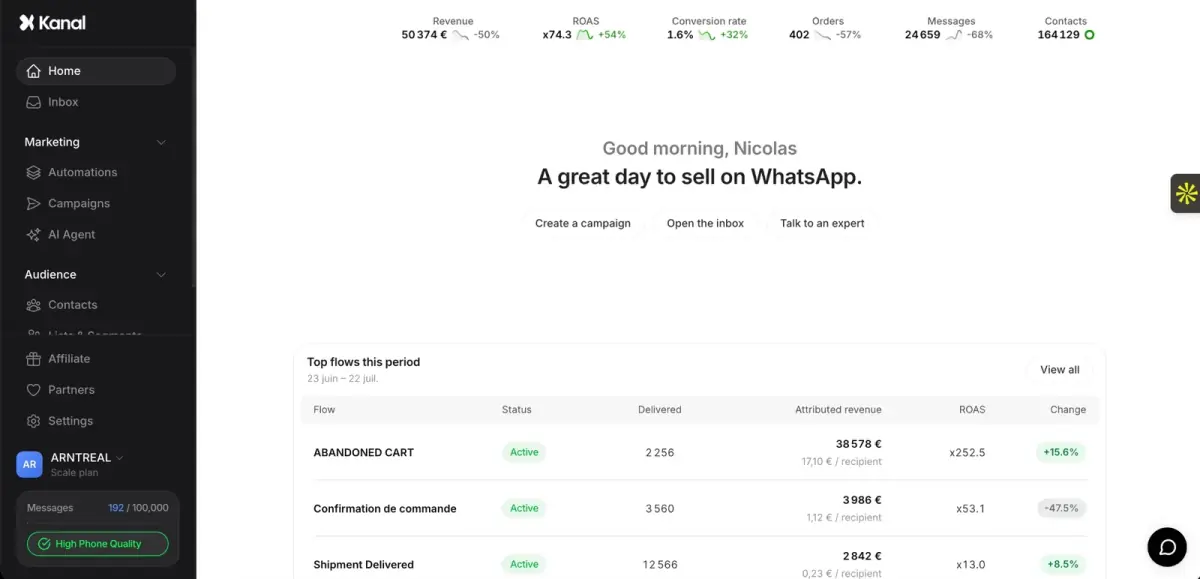
Kanal is a WhatsApp marketing and sales app for Shopify stores that runs on the official WhatsApp Business Platform. Its AI chatbot learns your product catalog, your policies and your brand voice. It answers product questions on WhatsApp, handles order tracking, guides returns and transfers complex queries to your team with the full conversation history. Its automations are built in a visual flow builder (triggers, conditions, actions) tied to Shopify events, and every conversation lands in a shared team inbox.
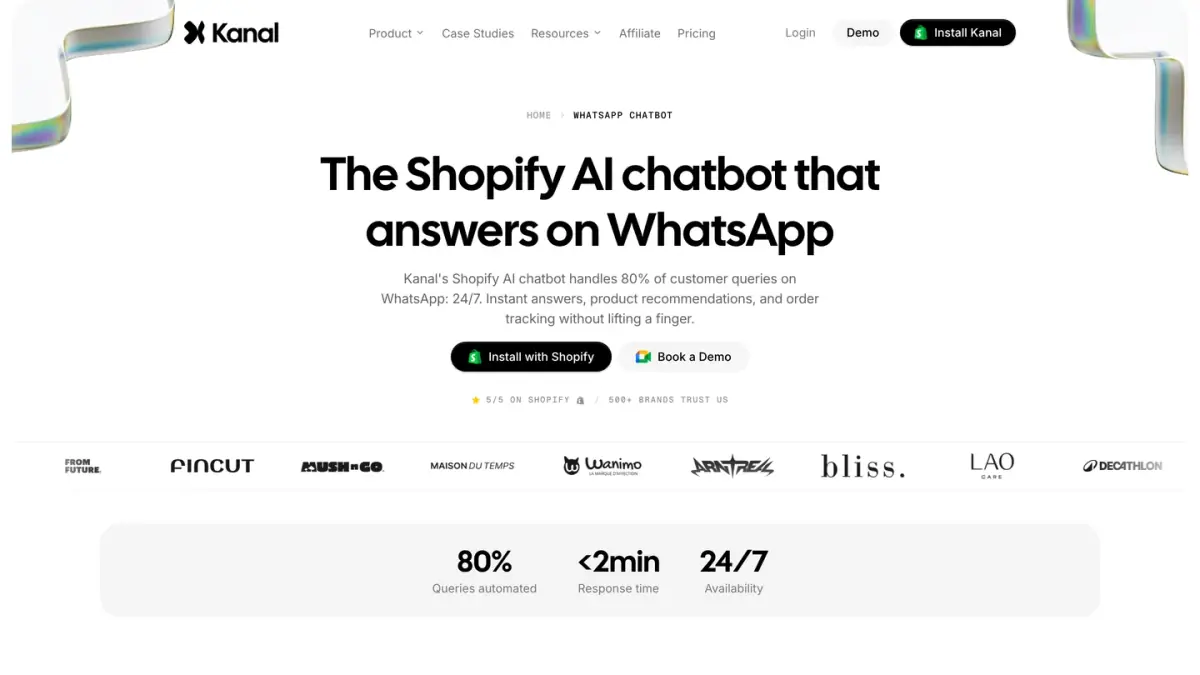
On Meta's rules, Kanal collects opt-ins at checkout and on your site, uses approved message templates and handles opt-outs. To see it answer from your own catalog, book a demo.
See Kanal on your own store
- Your campaigns and cart reminders on WhatsApp, starting from your own store
- Post-purchase offers, back-in-stock alerts, then the AI agent that advises your customers
- You leave with the plan that fits and its price
From €89/month
- brands
- 500+
- to set up
- 5 min
- open rate on WhatsApp
- +90%
Nicolas helps e-commerce brands grow revenue with WhatsApp marketing. With deep expertise in Shopify ecosystems and conversational commerce, he shares proven strategies for abandoned cart recovery, broadcast campaigns, and AI-powered customer engagement.