SMS vs MMS: the difference, and what MMS messaging is
SMS is plain text sent over the cellular network. MMS adds photos, videos, audio and group chats, and needs data. Differences, limits and phone settings.
 Nicolas ProvostOct 7, 2026 · 8 min read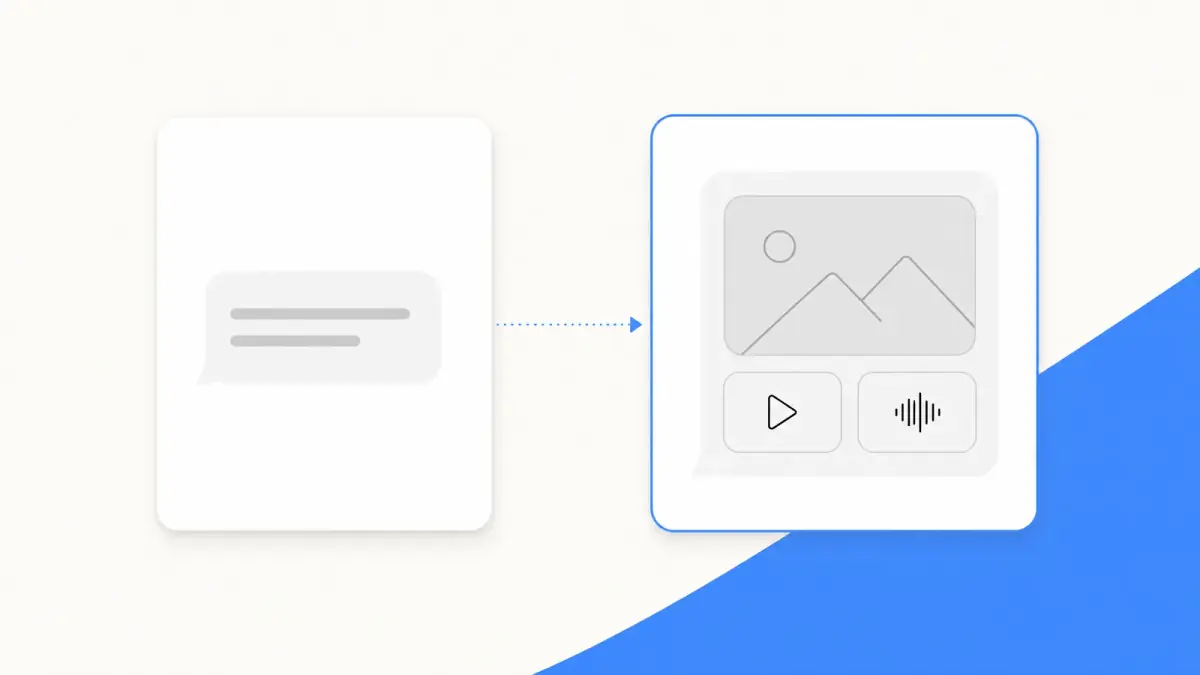
Summarize this article with an AI
 ChatGPT
 Claude
Table of contents (12)
Key takeaways
- SMS carries plain text, 160 characters at most per message, while MMS carries photos, videos, audio and group conversations.
- An MMS needs cellular data or Wi-Fi, whereas an SMS only needs the cellular network, and neither is end-to-end encrypted.
- Pictures sent by MMS look blurry because carriers limit and compress attachments, so send them with RCS or iMessage when both sides can.
SMS sends plain text, 160 characters at most per message, over your carrier's cellular network. MMS (Multimedia Messaging Service) is the carrier service for messages that carry a photo, a video, audio or a group conversation, and it needs a data connection.
This guide puts the two side by side, then explains what makes a text switch from one to the other, why pictures sent by MMS look blurry, and where the settings are on iPhone and Android. The technical facts come from the 3GPP standards and the steps from Apple's and Google's help pages, all read on October 7, 2026.
SMS vs MMS at a glance
| SMS | MMS | |
|---|---|---|
| Stands for | Short Message Service | Multimedia Messaging Service |
| Carries | Text | Text, photos, videos, audio |
| Size | 160 characters per message in the default alphabet, longer texts travel in several parts | No single figure: carriers set their own limits for attachments |
| Connection needed on iPhone | Cellular network | Cellular data or Wi-Fi |
| Group messages | Replies arrive as individual texts, recipients do not see each other's replies | Everyone sees all the responses |
| End-to-end encrypted | No | No |
| Bubble color on iPhone | Green | Green |
Sources: 3GPP TS 23.038 for the 160 characters, Apple's pages on message types, group messages and troubleshooting, read on October 7, 2026.
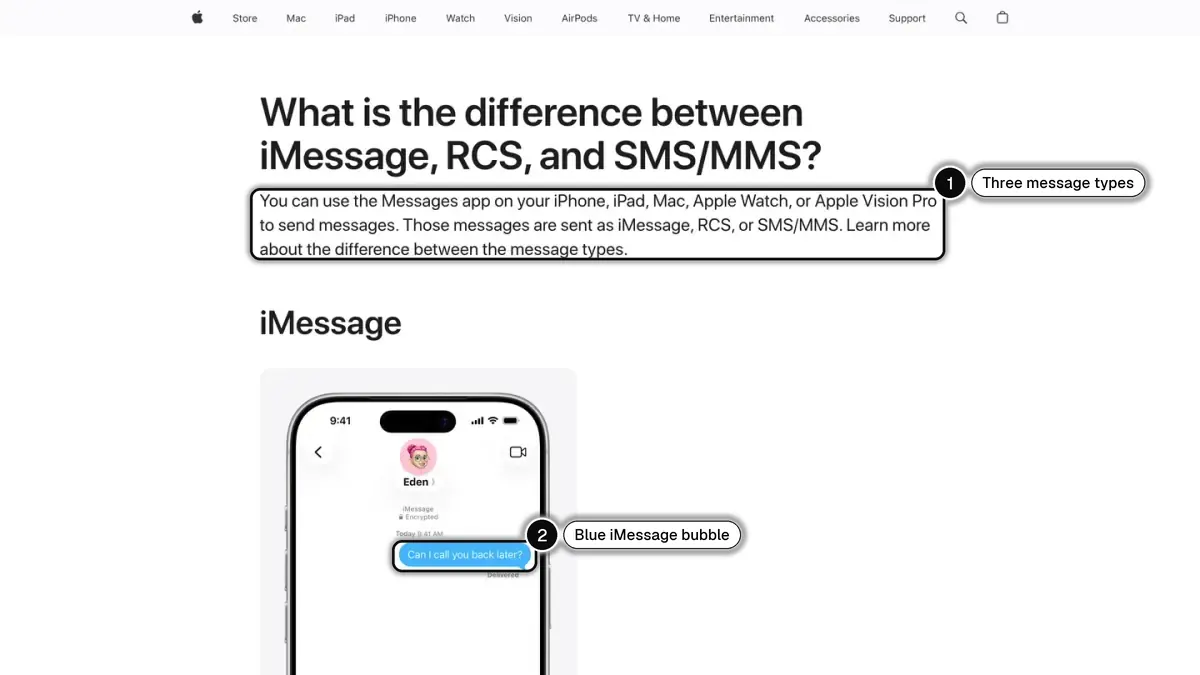
If you only need the SMS half of the story, see what SMS means.
What does MMS mean?
MMS stands for Multimedia Messaging Service. 3GPP, the body that writes mobile network standards, introduced it as the successor to SMS for richer content. Its stage 1 specification says MMS "will allow users to send and receive messages exploiting the whole array of media types available today e.g. text, images, audio, video".
The same document defines a multimedia message as "a message composed of one or more message elements", each element being one type of media. That is the whole idea: one message, several kinds of content.
What is MMS messaging on your phone?
On a phone, MMS messaging is the part of your messaging app that sends pictures, videos, voice clips and group messages through your carrier, to a phone number. The other person does not need the same app or the same brand of phone.
- On iPhone, Apple describes it this way: "With SMS/MMS, you can send texts, photos and videos, links, and more". These messages show in green bubbles, and you need a text-messaging plan that supports them.
- On Android, Google Messages tells you before you send: the Send icon in the compose bar shows whether the message will go by Wi-Fi or mobile data, by SMS or by MMS.
When does a text message become an MMS?
Your phone decides for you, depending on what you send and to whom.
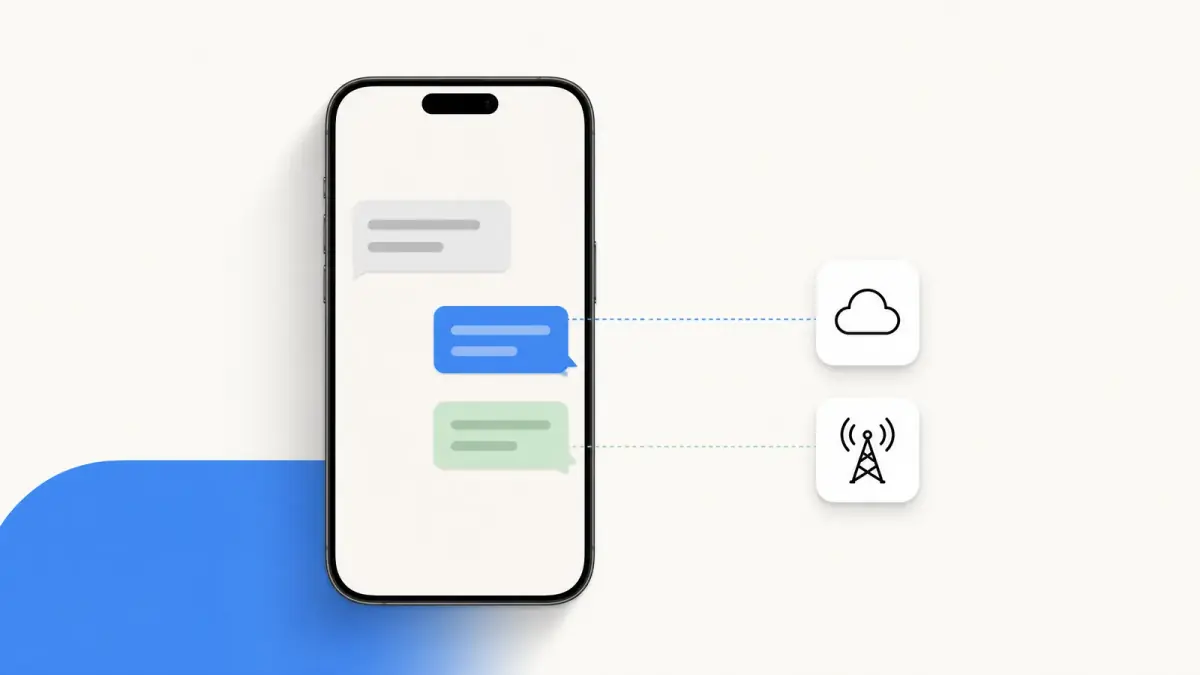
- You attach media. A photo, a video or an audio clip cannot travel as an SMS, so the message goes as an MMS when no internet-based service (iMessage or RCS) is available for that conversation.
- You write to a group. On iPhone, Apple explains that if any of the recipients aren't using iMessage, the message is sent as an MMS or SMS. In Google Messages, adding a contact that doesn't have the "RCS" tag creates an MMS chat.
- The richer service drops out. iMessage and RCS need data or Wi-Fi on both sides. When they are not available, the phone can fall back on the carrier: SMS for text, MMS for media.
The group case deserves a closer look, because SMS and MMS behave differently:
| Group SMS | Group MMS | |
|---|---|---|
| Photos and videos | Not supported | Supported |
| Replies | Sent as individual text messages | Seen by the whole group |
That is Apple's description of the two. Google Messages uses the names mass text and group MMS and lets you choose which one is the default.
Why do photos and videos sent by MMS look blurry?
Because the carrier limits what an MMS can weigh, and something has to give.
- Apple: "your carrier may set size limits for attachments", and "your iPhone can compress photo and video attachments when necessary".
- Google: "Carriers compress MMS messages, which can impact image quality".
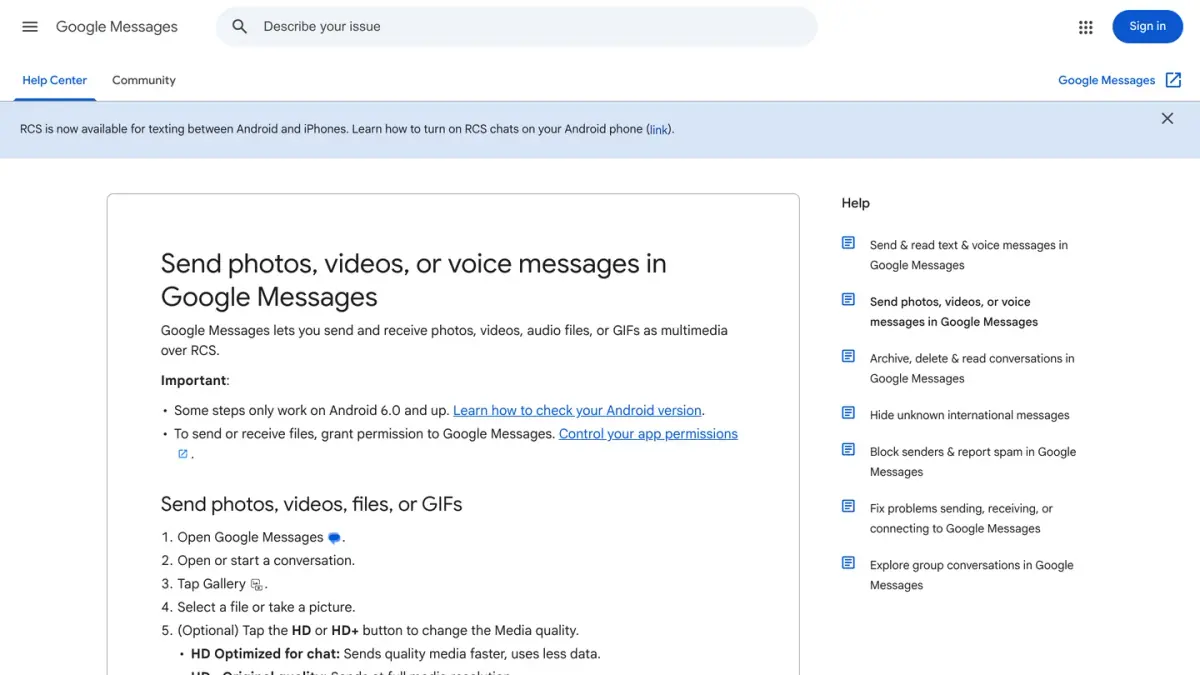
Neither page gives one universal size limit: each carrier sets its own. What you can do:
- Use a data-based service when both sides have one. Google's advice is direct: "To make sure images are as clear as possible, send them with RCS." Between Apple devices, iMessage sends high-resolution photos and videos.
- Lower the quality when a picture will not go through. On iPhone, Apple suggests turning on Send Photo Previews or Low Quality Image Mode in Settings, under Apps, then Messages.
- Use a messaging app for mixed groups. When friends are split between iPhone and Android, many people simply create a WhatsApp group.
How do you turn on MMS on an iPhone?
- Open Settings, tap Apps, then Messages.
- Turn on MMS Messaging.
- To send group MMS messages, also turn on Send as Text Message.
Apple adds two caveats on its group message and troubleshooting pages: if you don't see MMS Messaging, contact your carrier to check that your plan supports it, and if you don't see Send as Text Message or Group Messaging, your carrier might not support the feature.
Where are the MMS settings on Android?
In Google Messages, tap your profile photo or icon, then Messages settings, then Advanced. Google's settings page lists what you can change there:
- Auto-download MMS: download the files in your messages automatically.
- Auto-download MMS when roaming: do the same when data roams.
- Group messaging: choose between group MMS (everyone sees the replies) and mass text (an SMS to each person, with individual replies).
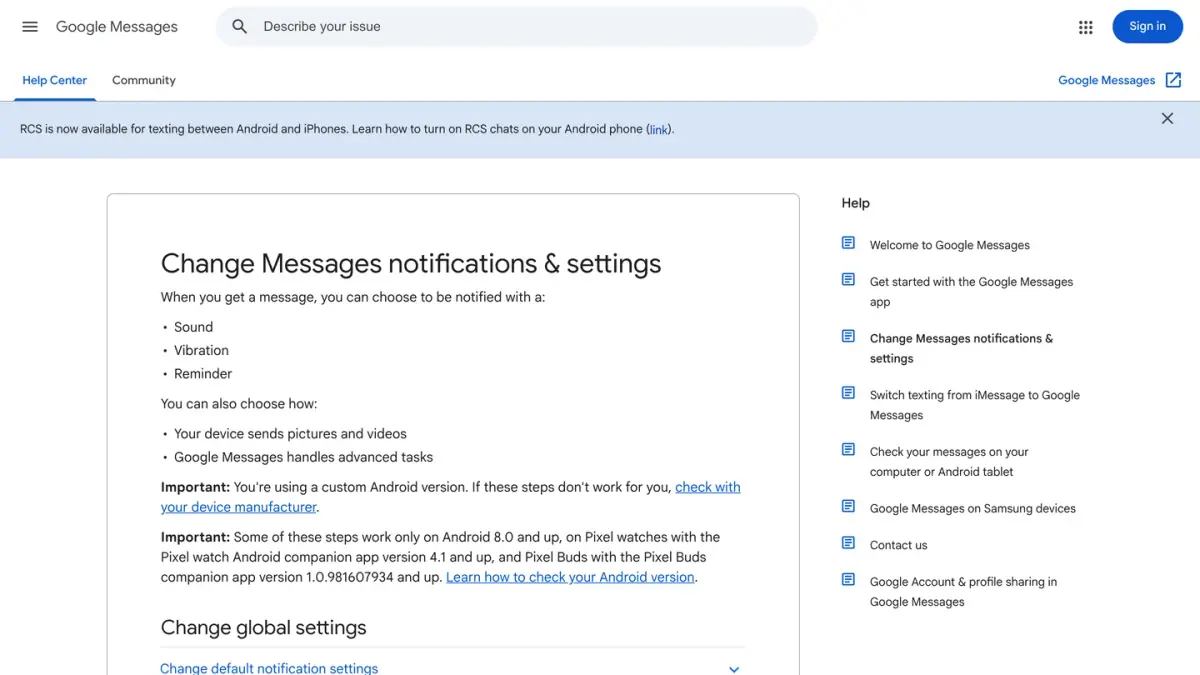
Android phones from different manufacturers ship different messaging apps, so the labels can vary. These are the ones in Google Messages.
What should you check when an MMS will not send or download?
Apple's troubleshooting page gives a short list that applies well beyond the iPhone:
- Check your connection. An MMS needs cellular data or Wi-Fi, while an SMS needs only the cellular network. A picture that fails while plain texts go through usually points here.
- Check your plan. Ask your carrier whether the type of message you are trying to send is supported.
- Check your storage. Make sure the device has enough space to receive images and videos.
- Restart the phone, then try again.
Does an MMS cost more than an SMS?
That depends on your mobile plan. Apple only says that "depending on your carrier, messaging rates might apply when you send SMS/MMS". Your carrier's plan details are the place to check, especially before sending pictures while traveling.
Is MMS secure?
No more than SMS. Apple states that "SMS/MMS messages aren't end-to-end encrypted, which means they're not protected from a third-party reading them while they're sent between devices". Google says the same for its app: "End-to-end encryption isn't available for SMS/MMS messages".
SMS, MMS, RCS or iMessage: which one is your phone using?
SMS and MMS are the two carrier services. Modern phones add internet-based services on top, and switch between them without asking.
- On an iPhone, blue bubbles are iMessage and green bubbles are SMS, MMS or RCS. The full explanation is in why your texts are green, and what iMessage is covers the blue side.
- RCS brings typing indicators, read receipts and high-resolution media to the default messaging app on Android and iPhone. See RCS vs SMS.
If you run an online store
This guide is written for people who text. If you also sell online, one clarification: Kanal, the company behind this blog, is a WhatsApp marketing and sales app for Shopify stores (campaigns, abandoned cart recovery, order notifications, an AI agent, a team inbox). Kanal sends SMS and WhatsApp campaigns from the same app. It does not send MMS or iMessage. For the merchant's view of each channel, read SMS vs MMS vs RCS vs WhatsApp and the page SMS marketing for Shopify.
If you run a business account on WhatsApp, the cost question has its own answer: Meta charges businesses per delivered message on the WhatsApp Business API. See WhatsApp Business pricing explained and, for a Shopify store, the WhatsApp apps for Shopify compared.
Nicolas helps e-commerce brands grow revenue with WhatsApp marketing. With deep expertise in Shopify ecosystems and conversational commerce, he shares proven strategies for abandoned cart recovery, broadcast campaigns, and AI-powered customer engagement.